Most people don't need a secret ChatGPT prompt or a collection of magic commands to get better results from AI, they need better prompt structure.
The difference between a vague prompt and a well-structured prompt can be significant. Instead of treating AI like a search box, think of your prompt as a creative or strategic brief. Give it the role, objective, context, requirements, and output format it needs to produce a useful result.
One of the easiest ways to do this is by using simple Markdown symbols to organize your instructions.
1. Use # for Major Sections
The hashtag creates a primary heading that separates major sections of your prompt.
For example:
# Role
You are an experienced marketing strategist.
It doesn't magically make the instruction more powerful. It simply makes your prompt easier for both you and the AI to understand.
2. Use ## and ### for Hierarchy
Subheadings help organize more complex prompts into logical sections and steps.
## Strategy

### Target Audience

### Messaging

### Distribution
This is particularly useful when you're building detailed workflows, research prompts, or repeatable AI systems.
3. Use * for Requirements
An asterisk can create a bullet point, making individual requirements easier to organize.
* Keep the response concise.
* Use practical examples.
* Avoid unnecessary jargon.
The bullet itself doesn't make an instruction a "hard rule." The clarity of the instruction does.
4. Use " " to Identify Specific Text
Quotation marks can help distinguish text you want AI to rewrite, analyze, summarize, or transform.
For example:
Rewrite "this paragraph" for a business audience.For larger blocks of content, however, clear headings or delimiters are usually easier to manage.
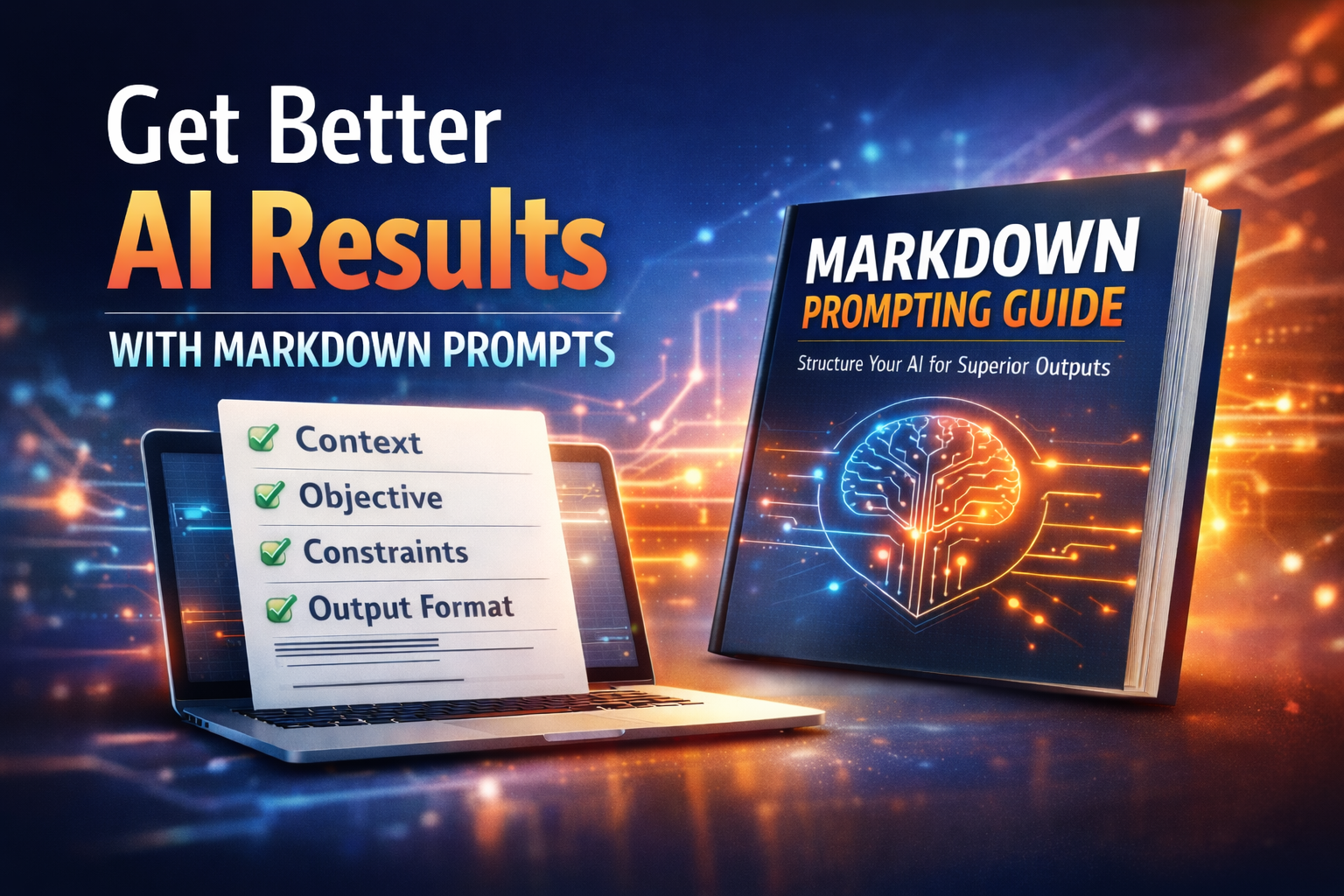
Get Better AI Results Without Changing Models
Most AI outputs fall short for one reason: unclear inputs.
People treat AI like casual conversation when high performing results require structure. Without the right guidance, AI fills in the gaps and guessing rarely creates quality.
Build better systems, create better prompts, and get better results without changing platforms.
5. Use [ ] for Reusable Variables
Square brackets are extremely useful when building prompt templates.
Create a marketing strategy for [INDUSTRY] targeting [AUDIENCE] in [LOCATION].You can reuse the same prompt repeatedly by changing what's inside the brackets.
6. Use --- to Separate Sections
Three dashes create a visual divider between different parts of your prompt.
# Instructions

Analyze the information below.

---

# Background Information

[PASTE INFORMATION]
This makes the distinction between your instructions and reference material much clearer.
7. Use | to Structure Tables
The pipe symbol is useful when you want AI to organize information into a table.
| Strategy | Tactic | KPI | Priority |
|---|---|---|---|
This can be particularly valuable for marketing plans, content calendars, SEO audits, campaign strategies, and reporting.
The Bigger Lesson
These symbols aren't magic switches that unlock hidden AI capabilities.
They're tools for organizing your thinking.
A strong prompt should make five things clear:
Who should AI be?
What should it accomplish?
What context does it need?
What requirements should it follow?
What should the final output look like?
The better you structure the assignment, the easier it is for AI to understand what you're actually trying to accomplish.
Don't focus on finding the perfect prompt. Focus on building a better brief.
That shift alone can dramatically improve how you use AI for marketing, strategy, content creation, research, and everyday business tasks.